
Start from last game
One tap copies the lines you used last time. Anyone who answered Out goes straight to Out, leaving their spot open.
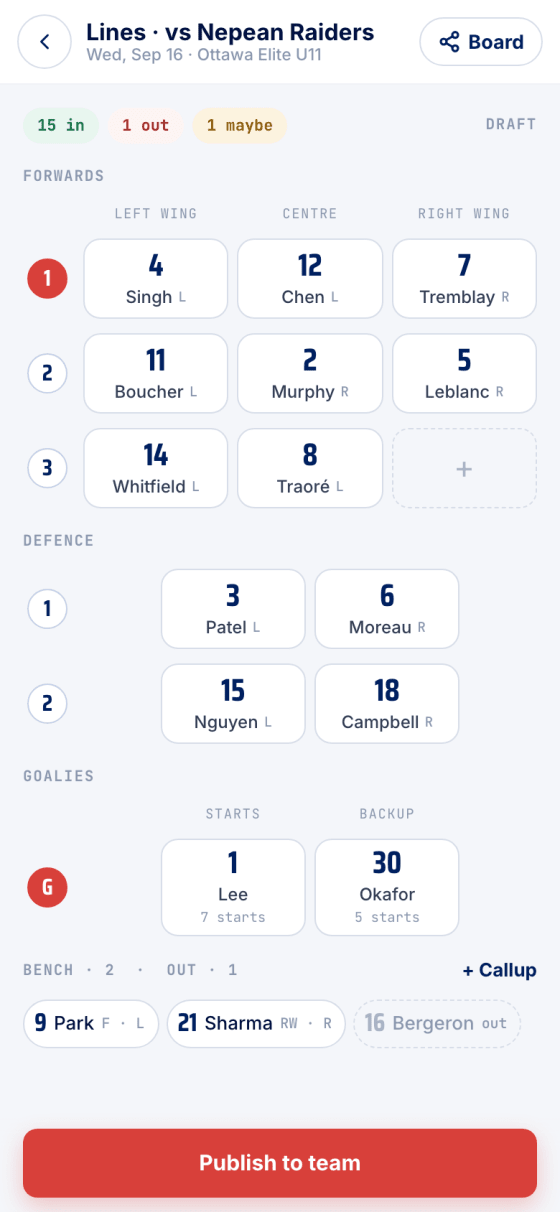
Start from last game, tap players into spots, publish once. Every family sees where their kid plays, and a printable board goes on the door.
One tap copies the lines you used last time. Anyone who answered Out goes straight to Out, leaving their spot open.
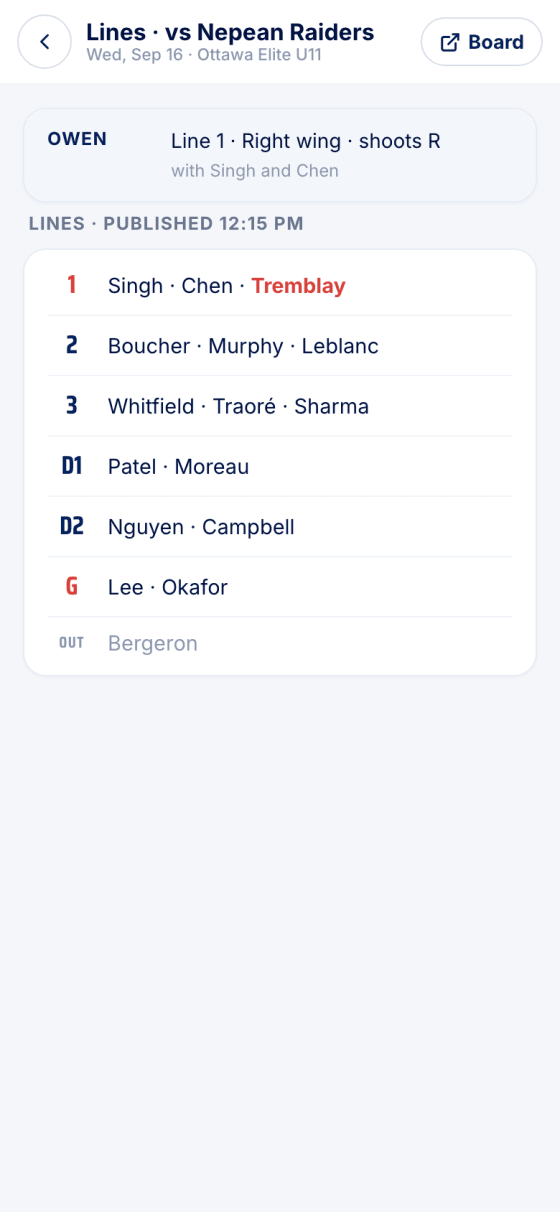
Publish once and it's posted to the team chat. A parent sees their kid's line first — the spot and the linemates — then the lineup.
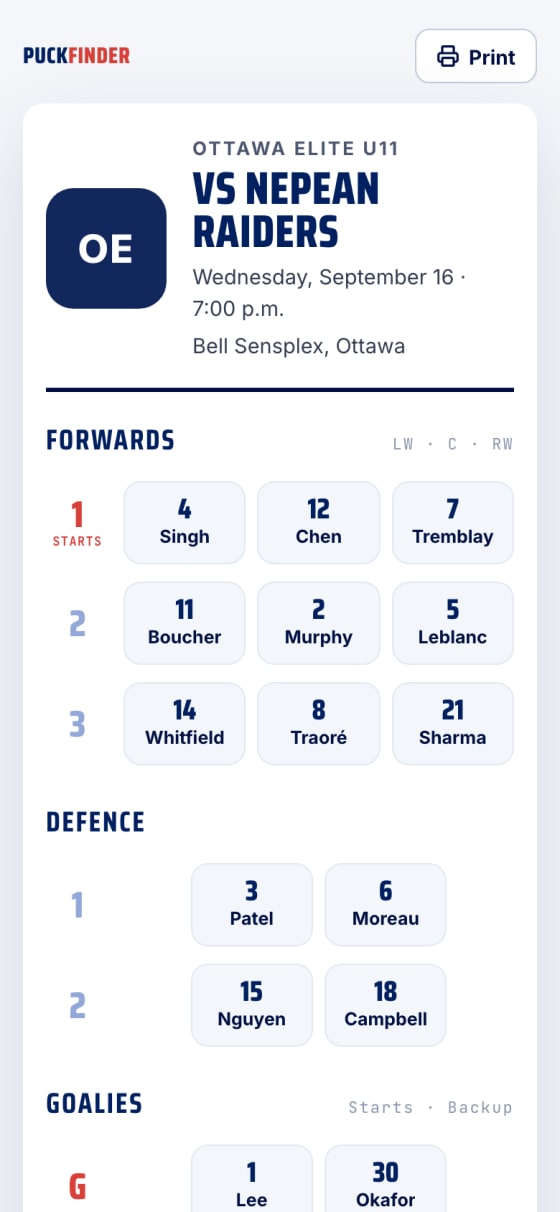
A public, printable page with every line, pair and goalie. It always shows the newest version.
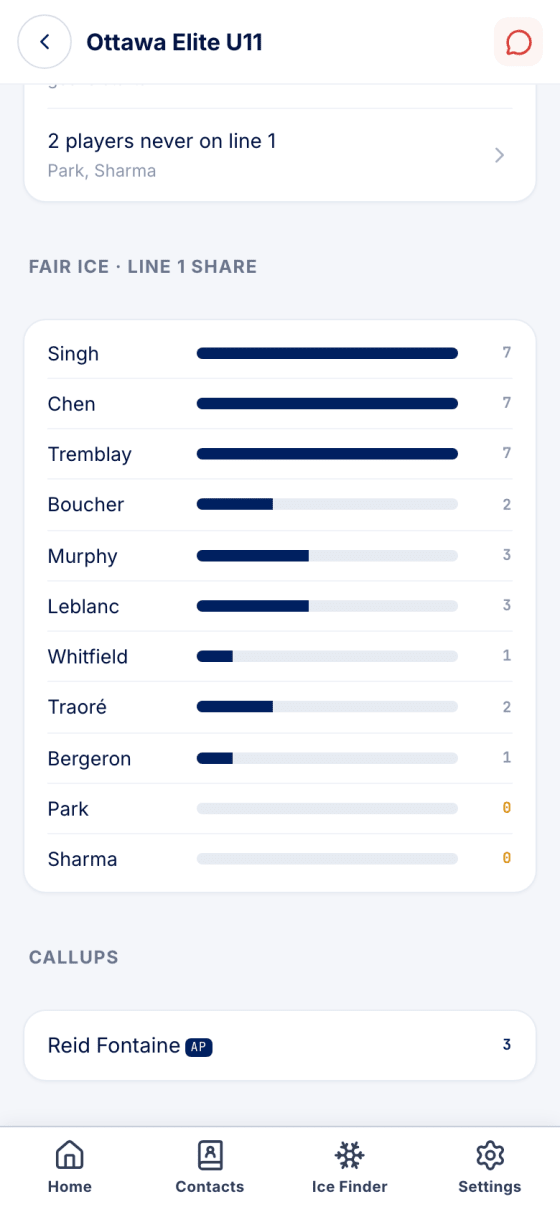
Most-used lines, goalie starts, and who has never had line 1 — one bar per forward.
Real screens, sample data.
Made in Canada. No ads.
Sign up freeTeams are rolling out by invitation. Find yours or request it.