
One switch
Turn on Chase missing answers and each family that hasn't answered gets one email a day, listing the events in the next 48 hours. It carries a real person's name, and replies go to them.
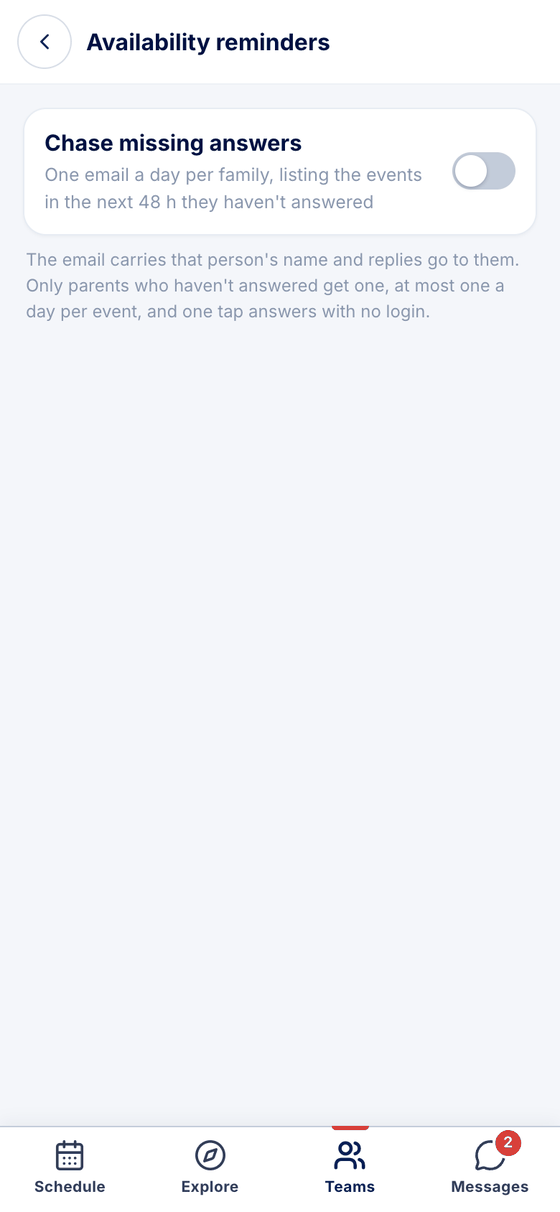
Parents who haven't answered get an email with In, Out and Maybe, and one tap answers — no account, no login. Automatically, by hand, or both.
Turn on Chase missing answers and each family that hasn't answered gets one email a day, listing the events in the next 48 hours. It carries a real person's name, and replies go to them.
Remind sits beside the no-reply count on every upcoming event, whether or not the switch is on.
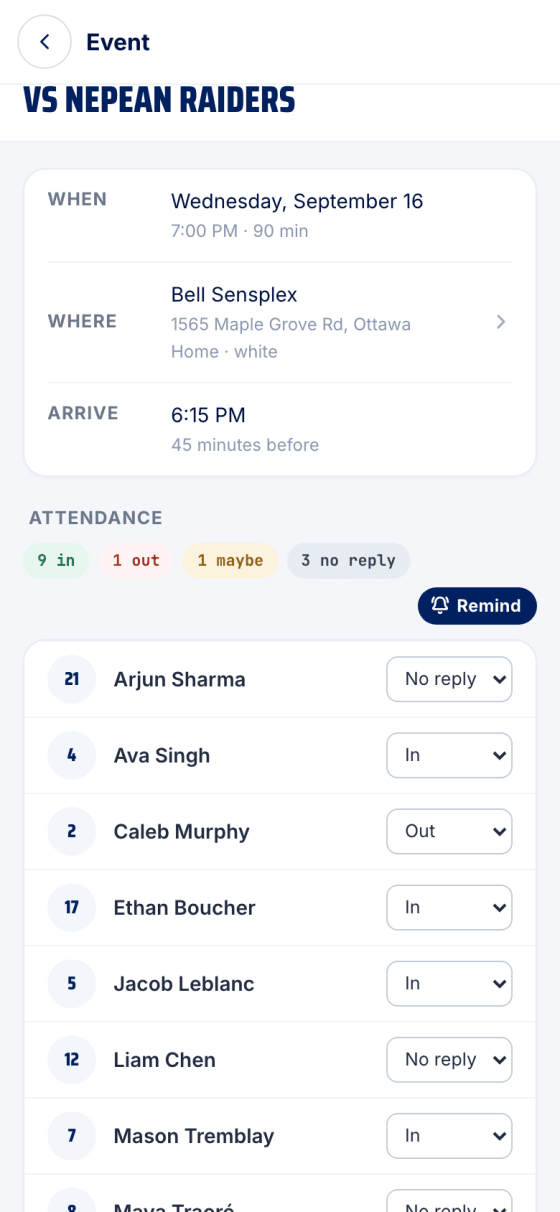
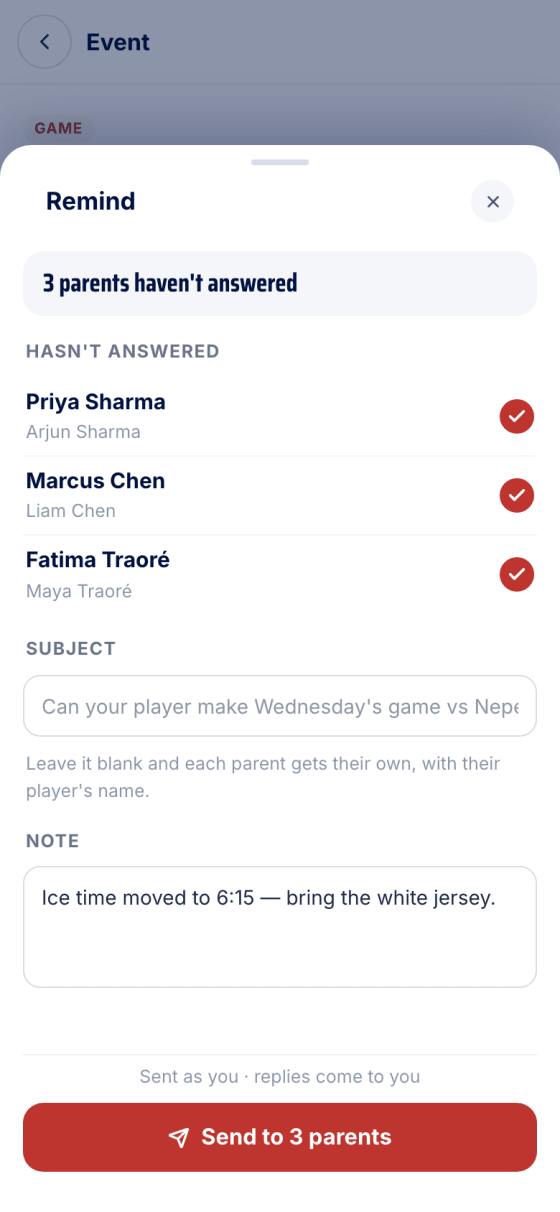
It opens on who hasn't answered, ticked and ready. Add a note — ice time moved, bring the white jersey — and send. It goes out as you.
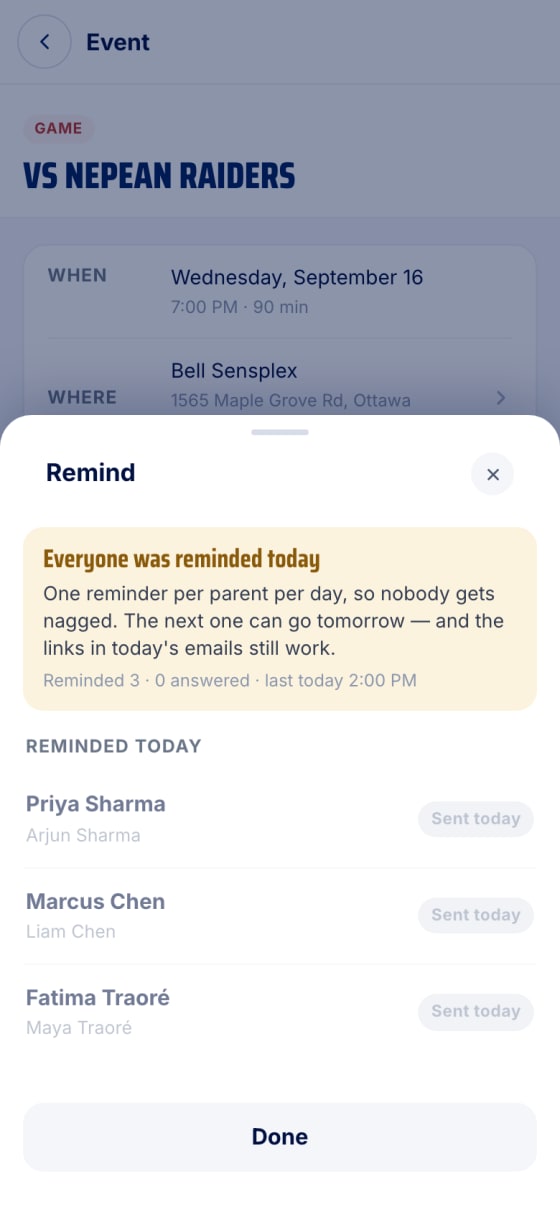
One reminder per parent per day. The sheet tells you when everyone's been asked, and today's links keep working.
Real screens, sample data.
Made in Canada. No ads.
Sign up freeTeams are rolling out by invitation. Find yours or request it.