
Set it up once
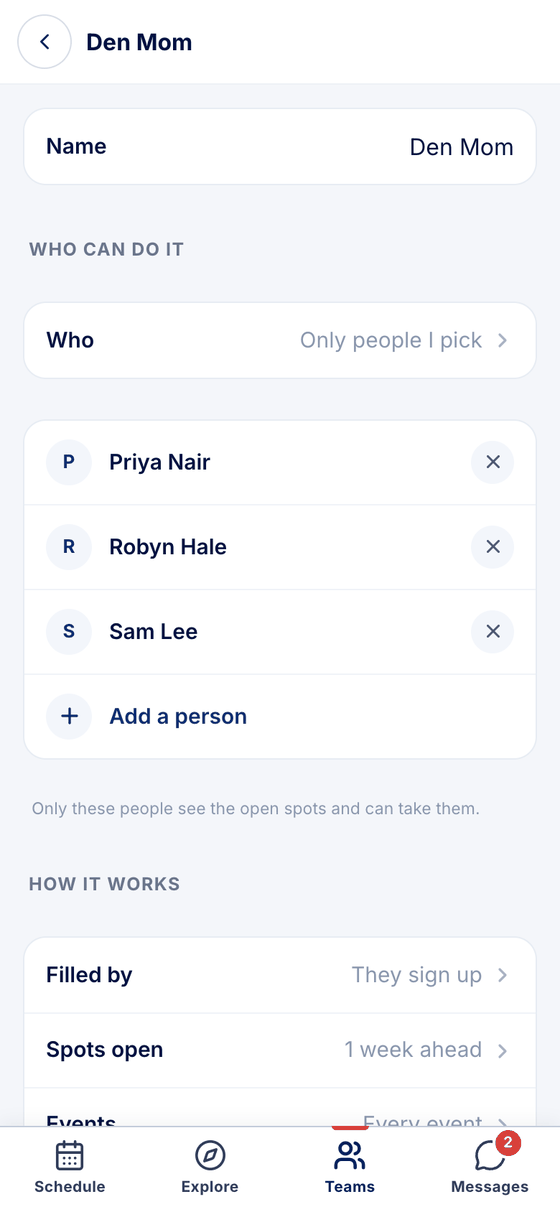
Name the job — Den Mom, videographer, timekeeper — then how it's filled, how far ahead, which events and how many people.
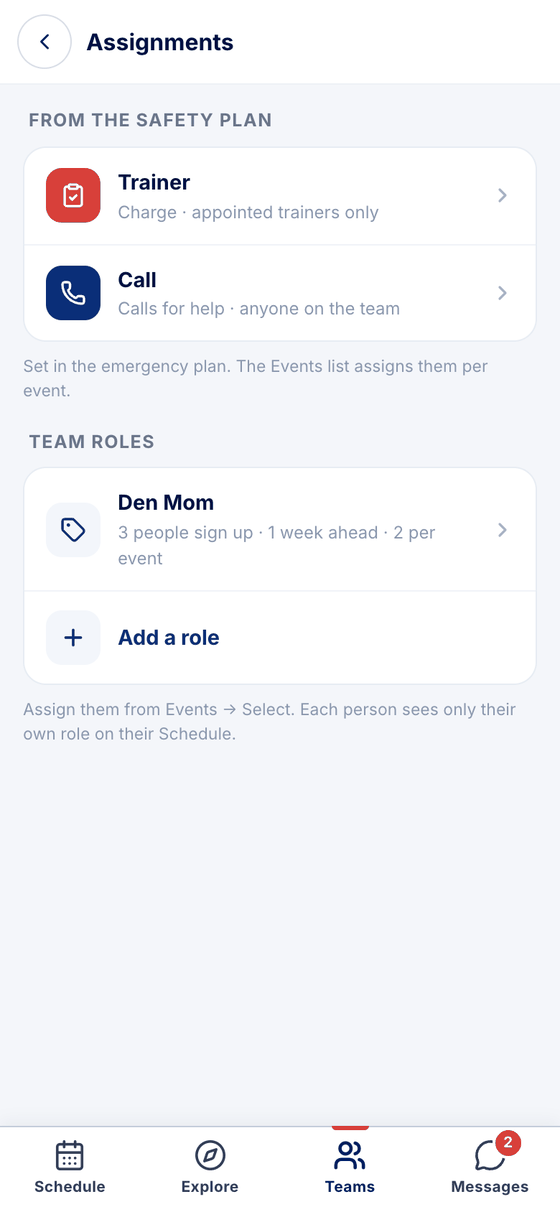
Den Mom, snacks, the penalty box: set a job up once, and the parents you choose sign up event by event.
Name the job — Den Mom, videographer, timekeeper — then how it's filled, how far ahead, which events and how many people.
Any parent on the team, staff only, or only the people you pick. Nobody else hears about it.
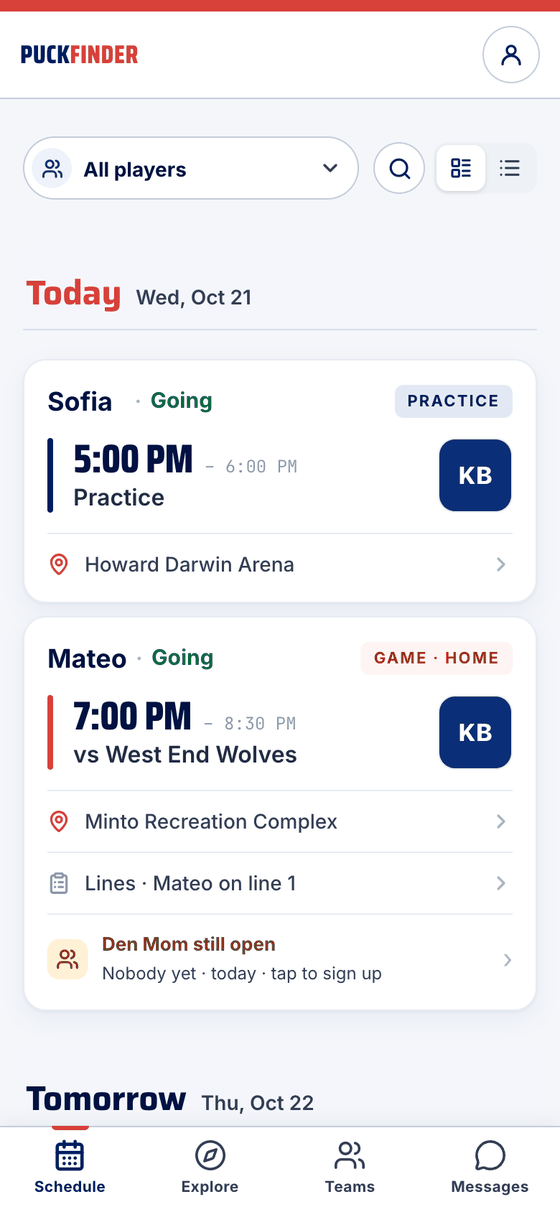
Open spots show on their Schedule. One tap on the event — I'll do it — and it's theirs. A push reminds them before the event.
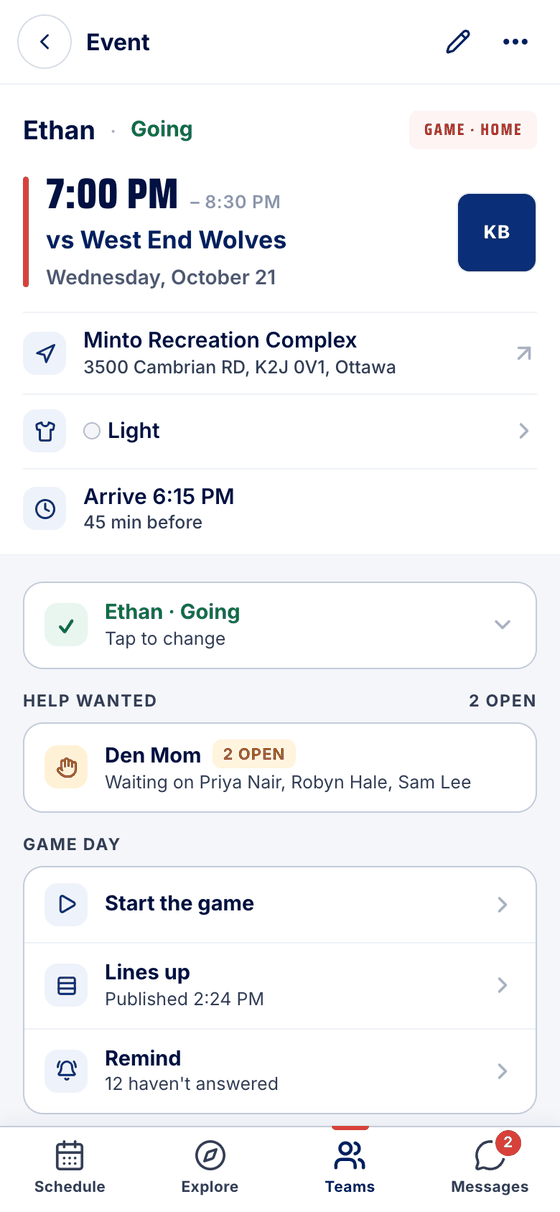
Admins see who could still take it. Can't make it? The spot opens again and the admins hear about it.
Real screens, sample data.
Made in Canada. No ads.
Sign up freeTeams are rolling out by invitation. Find yours or request it.