
Right on the card
Going, Not going or Maybe, right on the game's card on your Schedule. One tap, done.
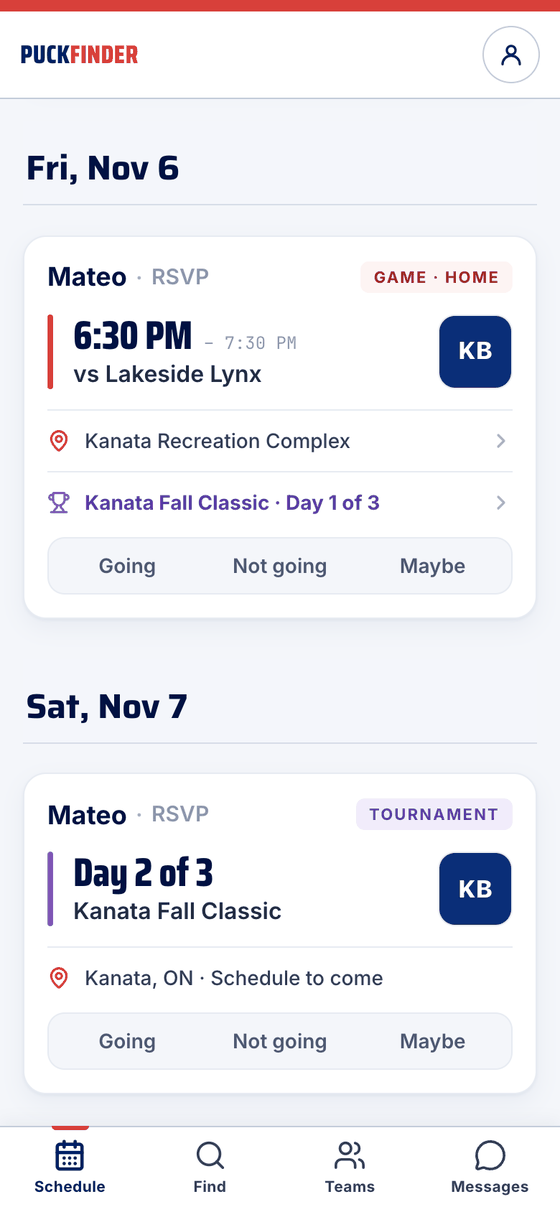
Going, Not going or Maybe — on your Schedule, or straight from the team's email with no account and no login.
Going, Not going or Maybe, right on the game's card on your Schedule. One tap, done.
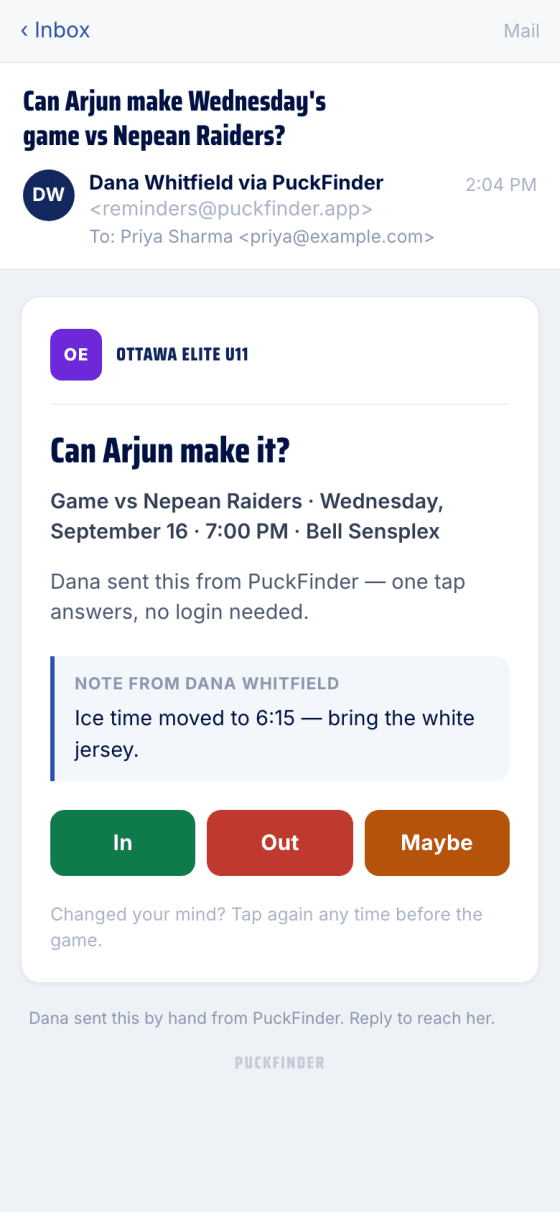
When the team asks, the email has the game, the rink, and In, Out and Maybe — sometimes with a note from the coach.
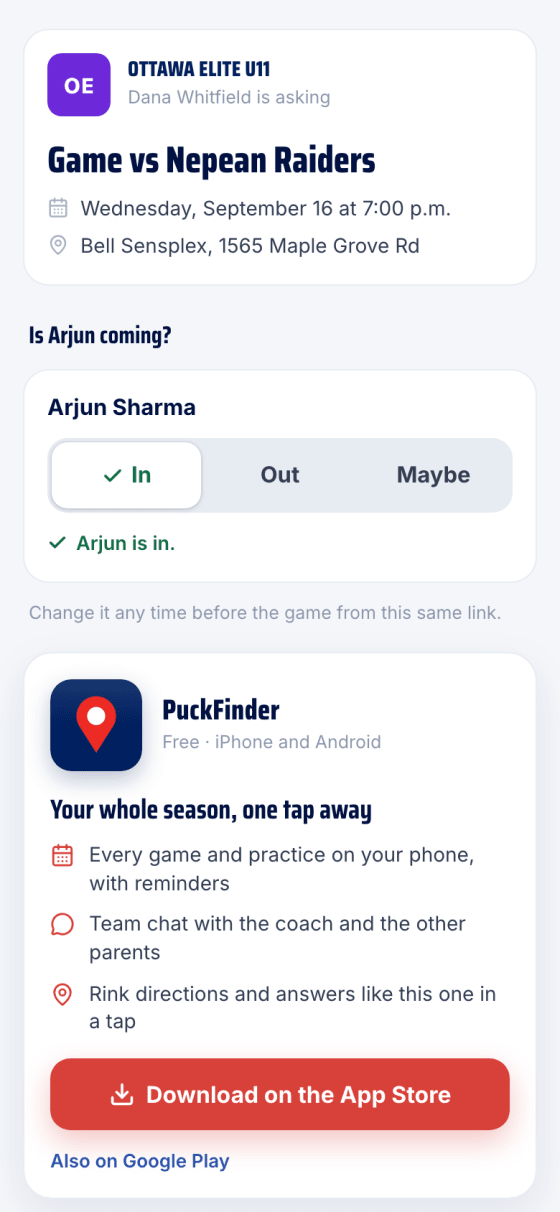
The link opens a page with just your kids. The tap there is the answer — on a synced team, it goes back to the team's own app too. Change it any time before the game.
Real screens, sample data.