
Your password stays at TeamSnap
You sign in on TeamSnap's own page. PuckFinder reads the roster and schedule, and only ever writes back your own player's availability.
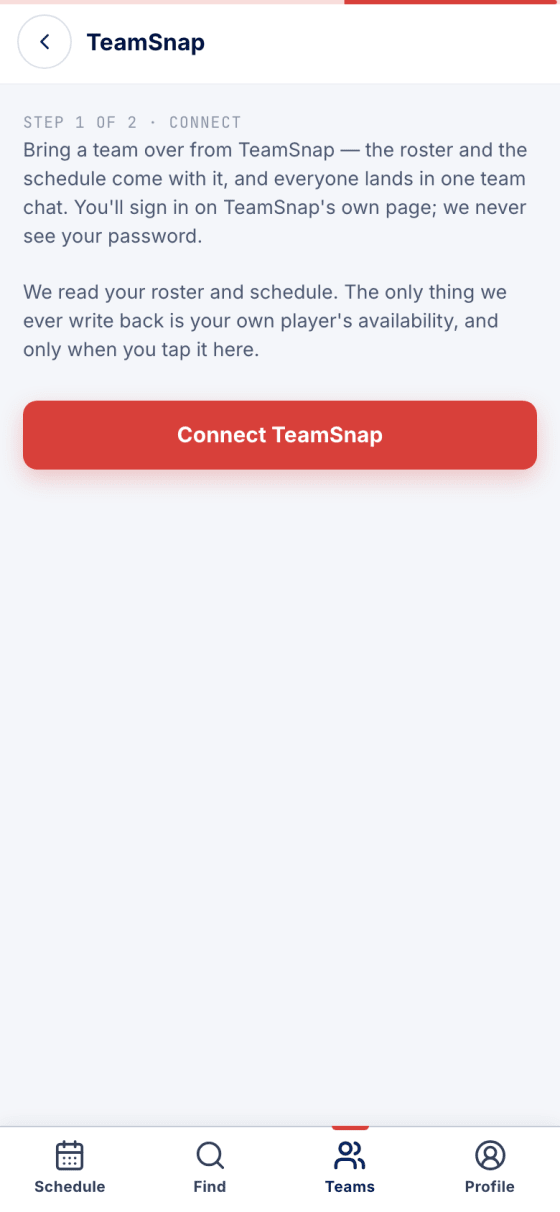
The roster, the schedule and everyone's answers come across. TeamSnap can stay in charge while PuckFinder keeps up.
You sign in on TeamSnap's own page. PuckFinder reads the roster and schedule, and only ever writes back your own player's availability.
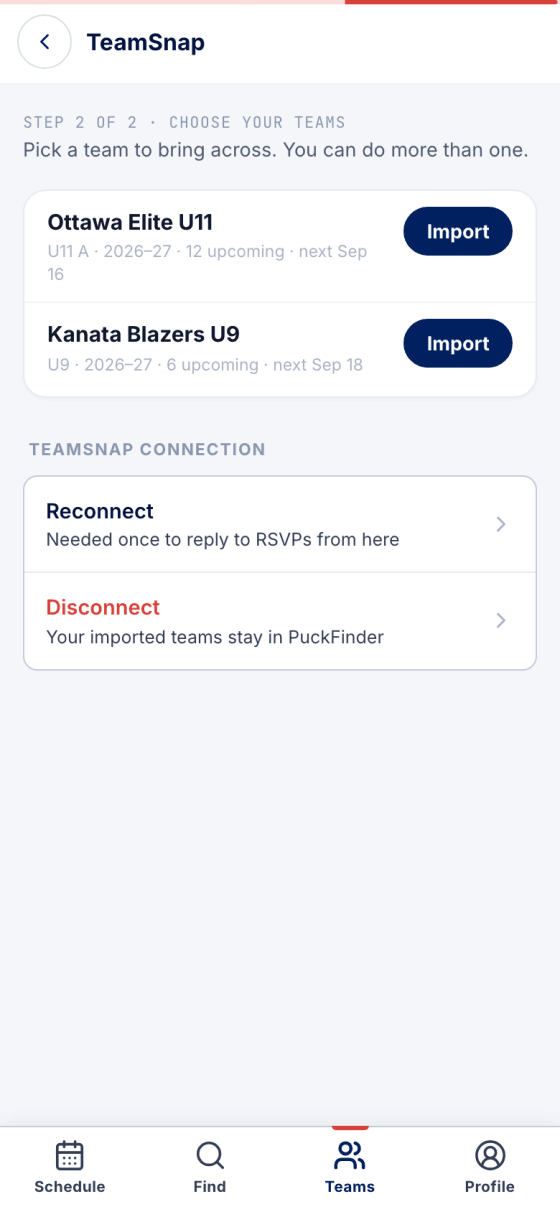
Your TeamSnap teams, with what's on their calendars. Import one, or more than one.
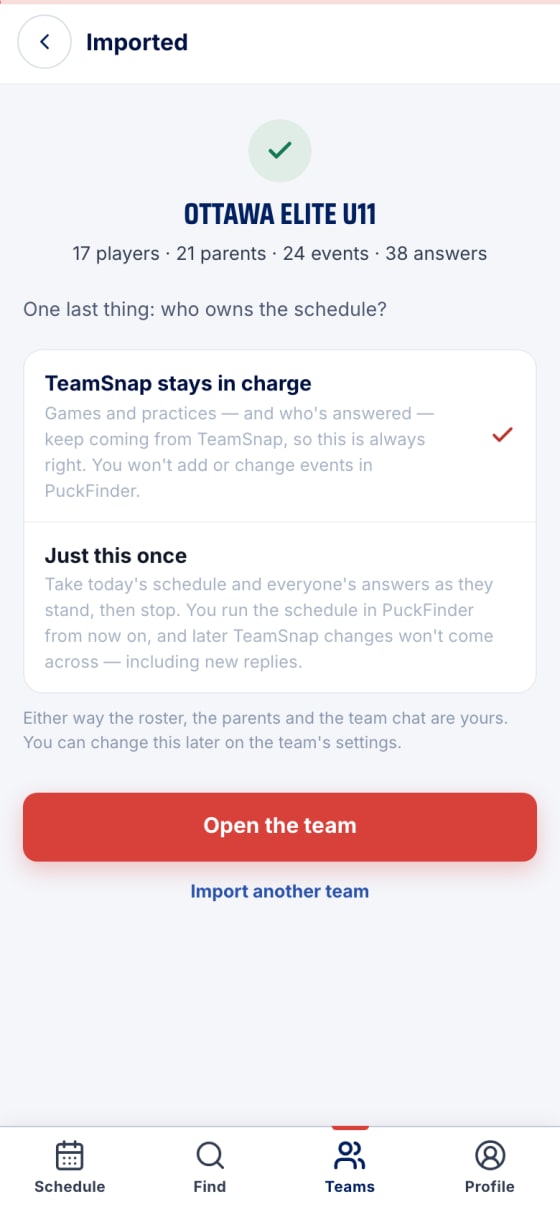
Live sync keeps games, practices and who's answered flowing from TeamSnap, so PuckFinder is always right. Or take one snapshot and run the team here.
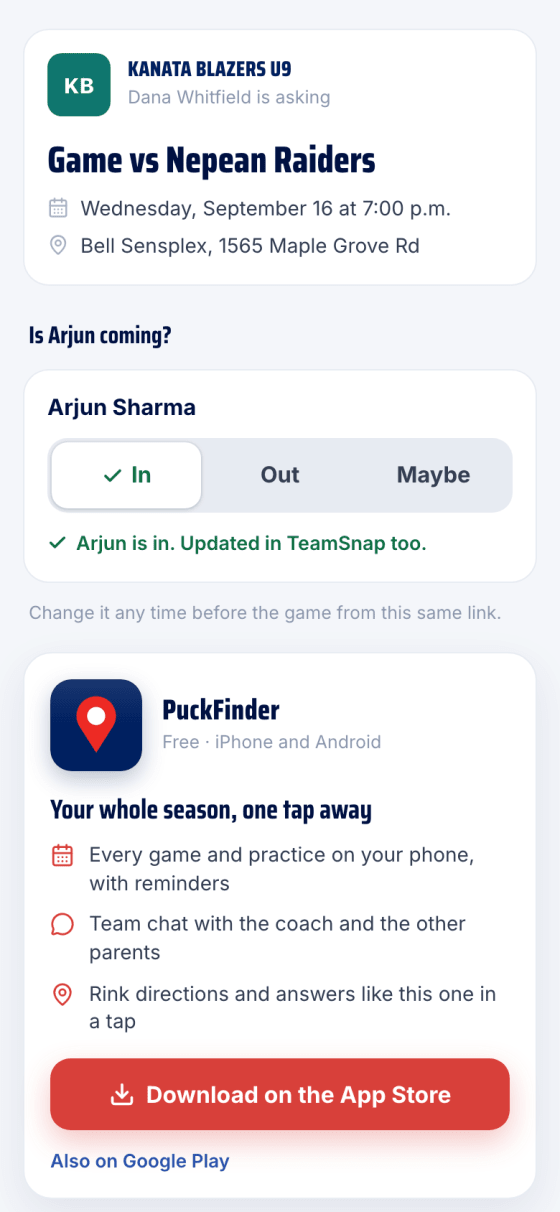
On a synced team, an answer you give in PuckFinder is written to TeamSnap first, then kept here.
Real screens, sample data.