
Parents · 2 min read
Find extra sessions
Camps, clinics, drop-ins and weekly programs around Ottawa. The sessions you book in PuckFinder are up front, as their organizers' posters; everything listed from other websites is one tap further, marked, and you sign up on their site.
Help › Find extra sessions
Step by step
Tap a screenshot to see it full size.
- Extra sessions
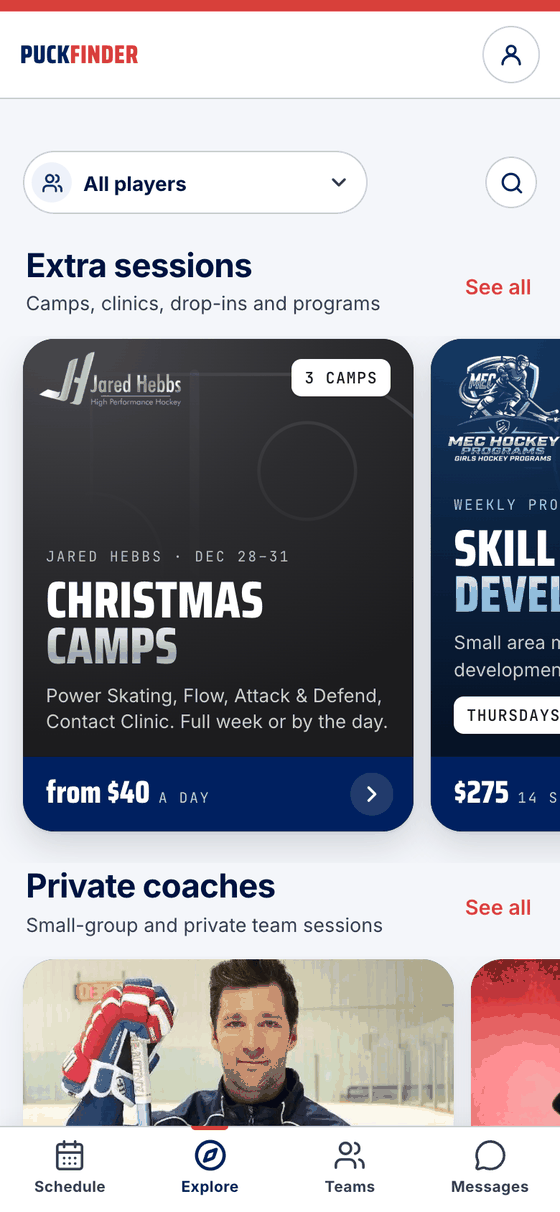
Open Explore. Extra sessions is a shelf of big cards you swipe: what's coming up from PuckFinder organizers, in their own colours. Tap a card to open it; See all lists every one.
- Every PuckFinder session
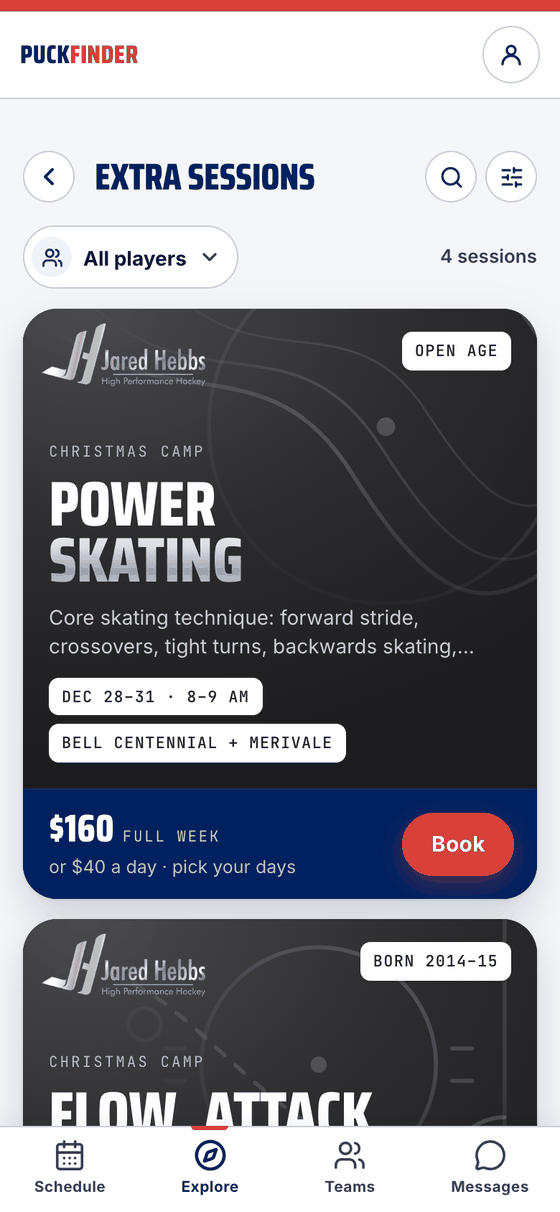
See all lists every session you can book in PuckFinder, each as its organizer's poster: who it's for, when, where and the price. Book opens it. Pick a player at the top to see only what fits them.
- More around Ottawa
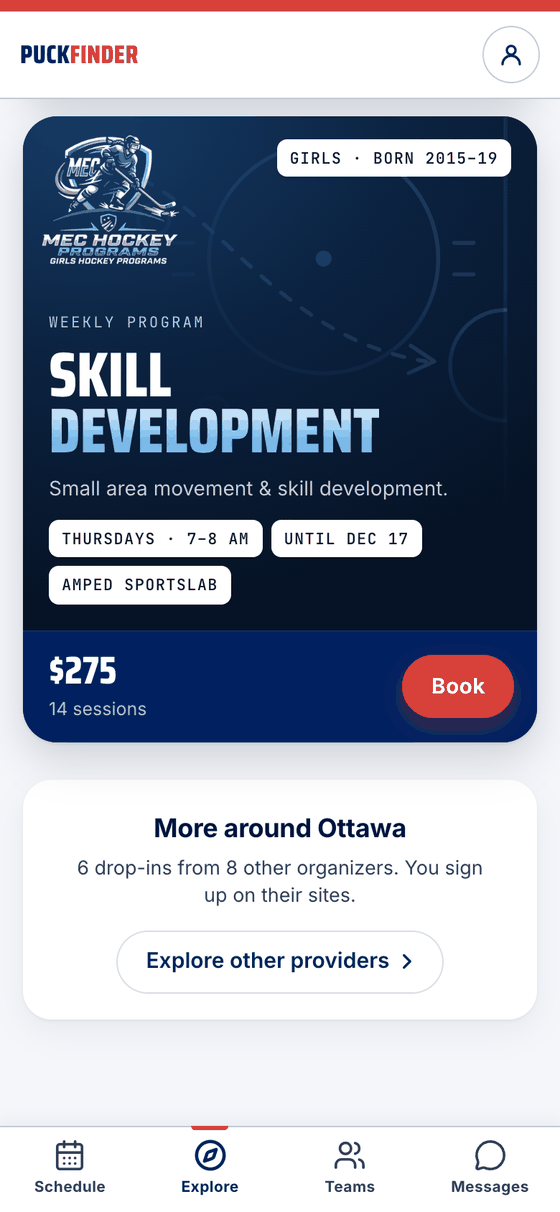
At the bottom, More around Ottawa counts what other organizers list on their own websites. Explore other providers opens it.
- Their site ↗
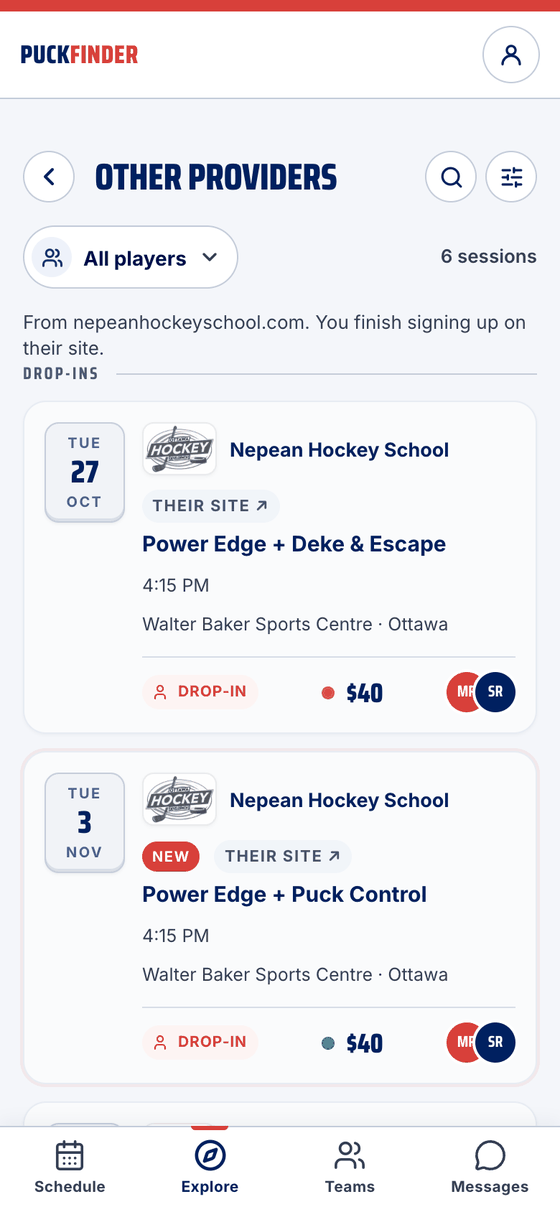
Other providers lists their sessions by kind, each tagged Their site ↗, with a line saying which websites they come from. We show them so everything is in one place; the price and the spots are theirs.
- Sign up on their site
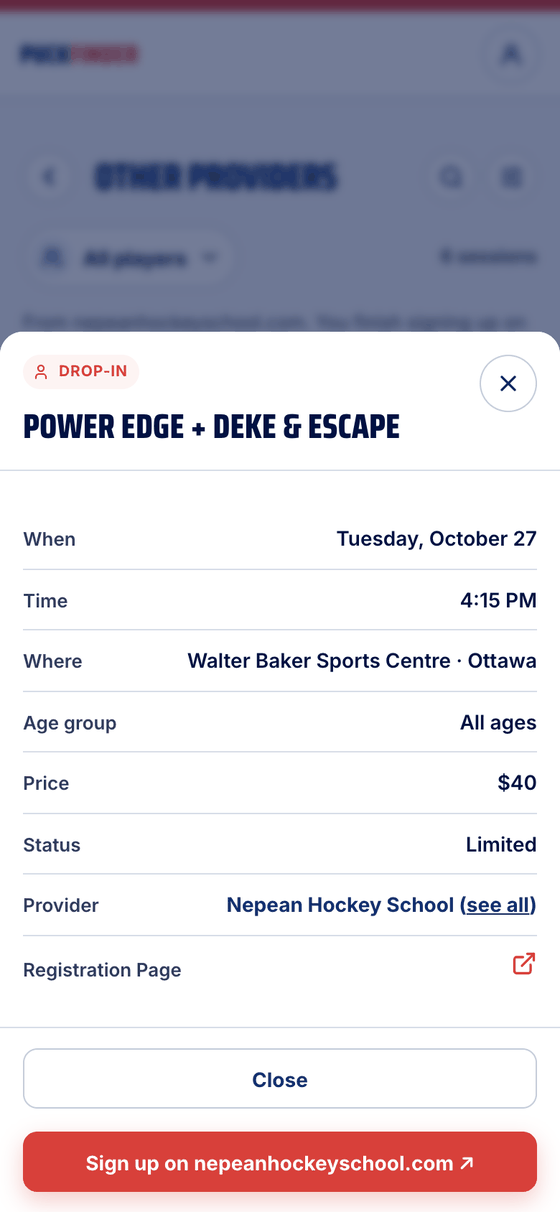
Open one for the details. The button takes you to the organizer's own website, where you sign up and pay.
- Search
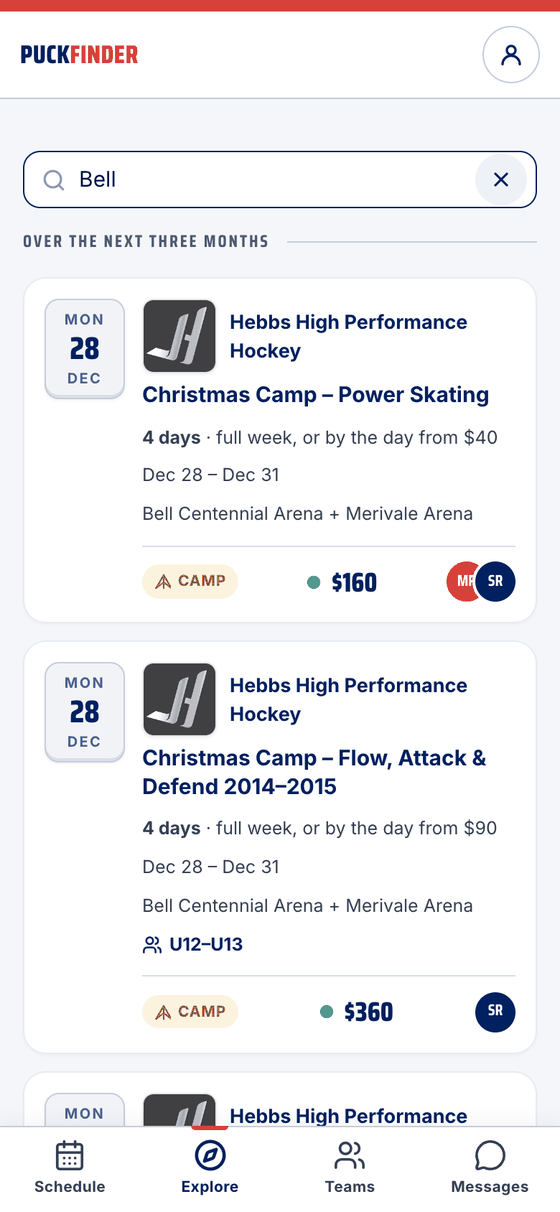
The magnifier searches sessions, organizers and arenas. Bell finds the camps at Bell Centennial.
- Filters
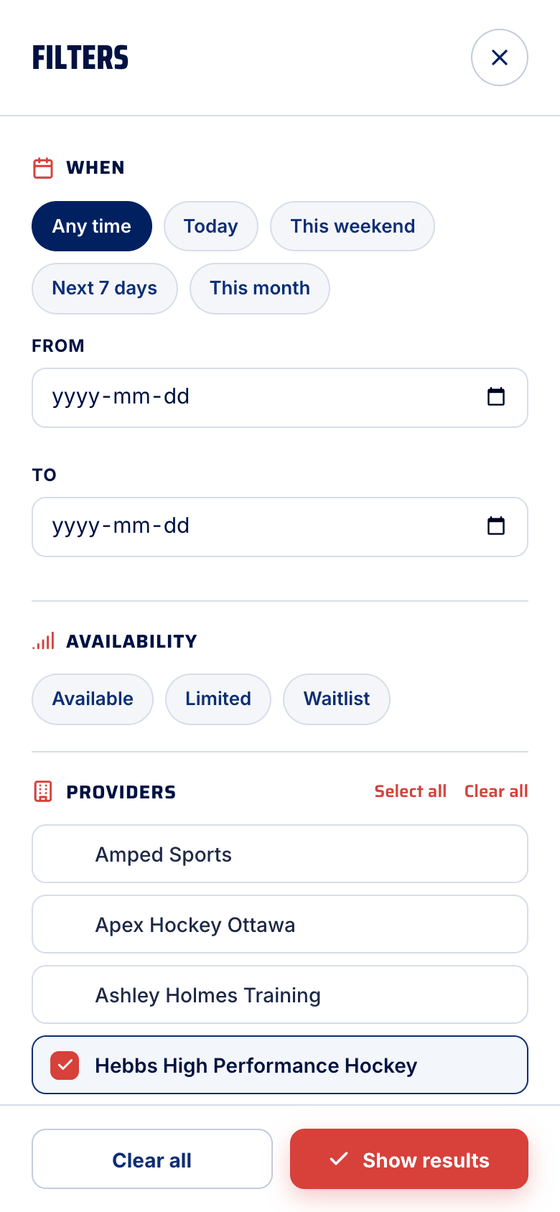
The sliders open the filters: when, a date range, how full, which organizers and which rinks. Show results applies them, and the icon shows how many are on.
Good to know
- Poster or their site? A poster is a PuckFinder organizer's session: booked and paid in the app, with spots, waitlists and refunds handled here. Anything tagged Their site ↗ is listed from the organizer's website; you sign up there.
- Your kids: with All players at the top, the initials on a listing are the kids it suits. Pick one kid to see only what fits them.
- Nothing that fits? Follow an organizer and we'll let you know when they post something new.
Camps have their own page: Book a camp in the app. Several sessions at once: One cart, one checkout. Further down Explore: private coaches, and a line to us.
Stuck?
Email john@puckfinder.app — a real person, usually the same day.