
Video · 1:21
Game day, from the schedule to the buzzer
Three pre-game tasks, one Start button, and a bench that logs an injury in two taps.
Help › Game day, from the schedule to the buzzer
Step by step
The same flow as the video, in writing. Tap a screenshot to see it full size.
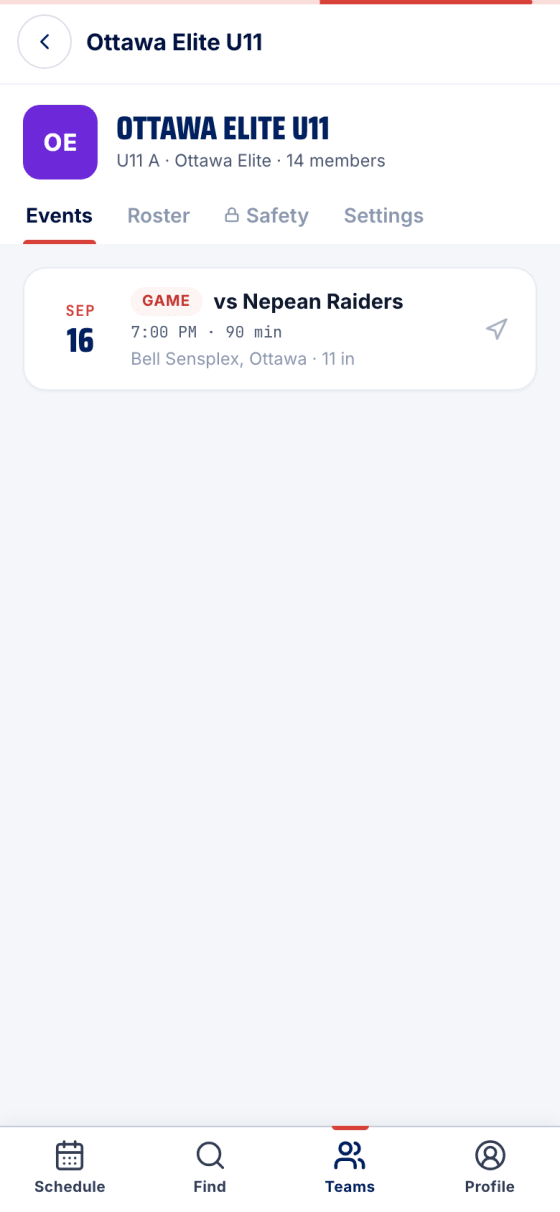
- Start on the schedule
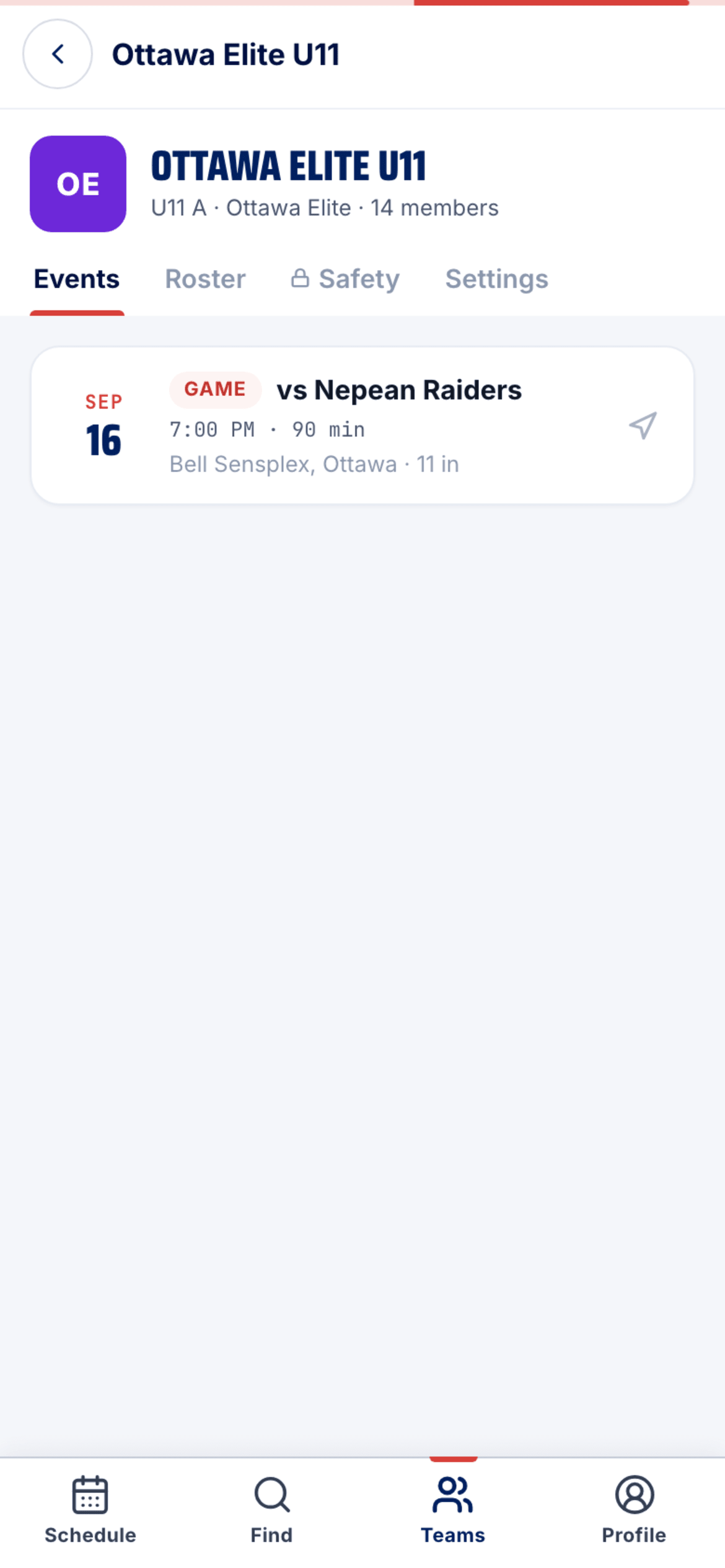
Team → Events and tap tonight's game.
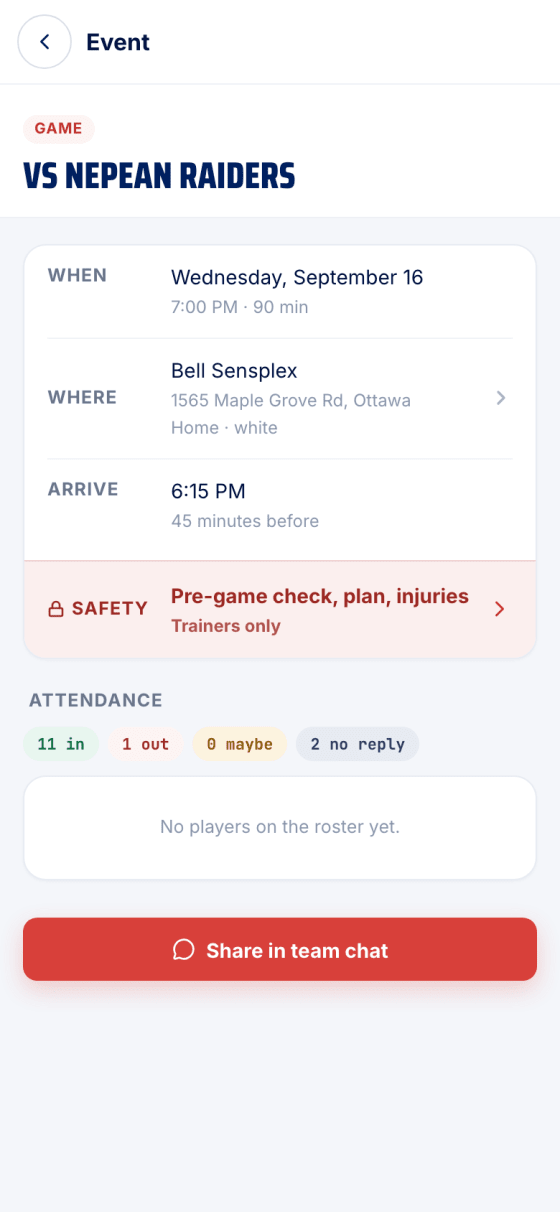
- The Safety row
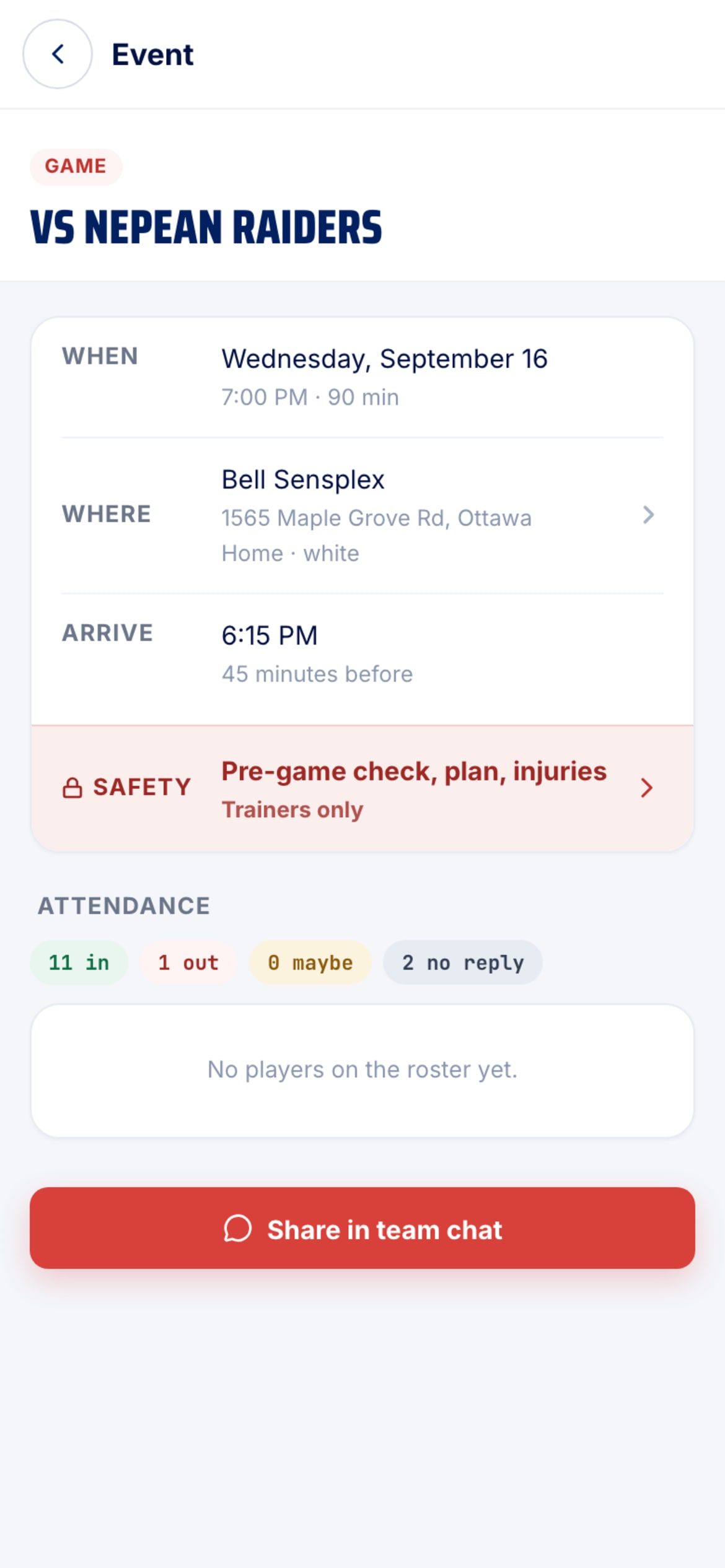
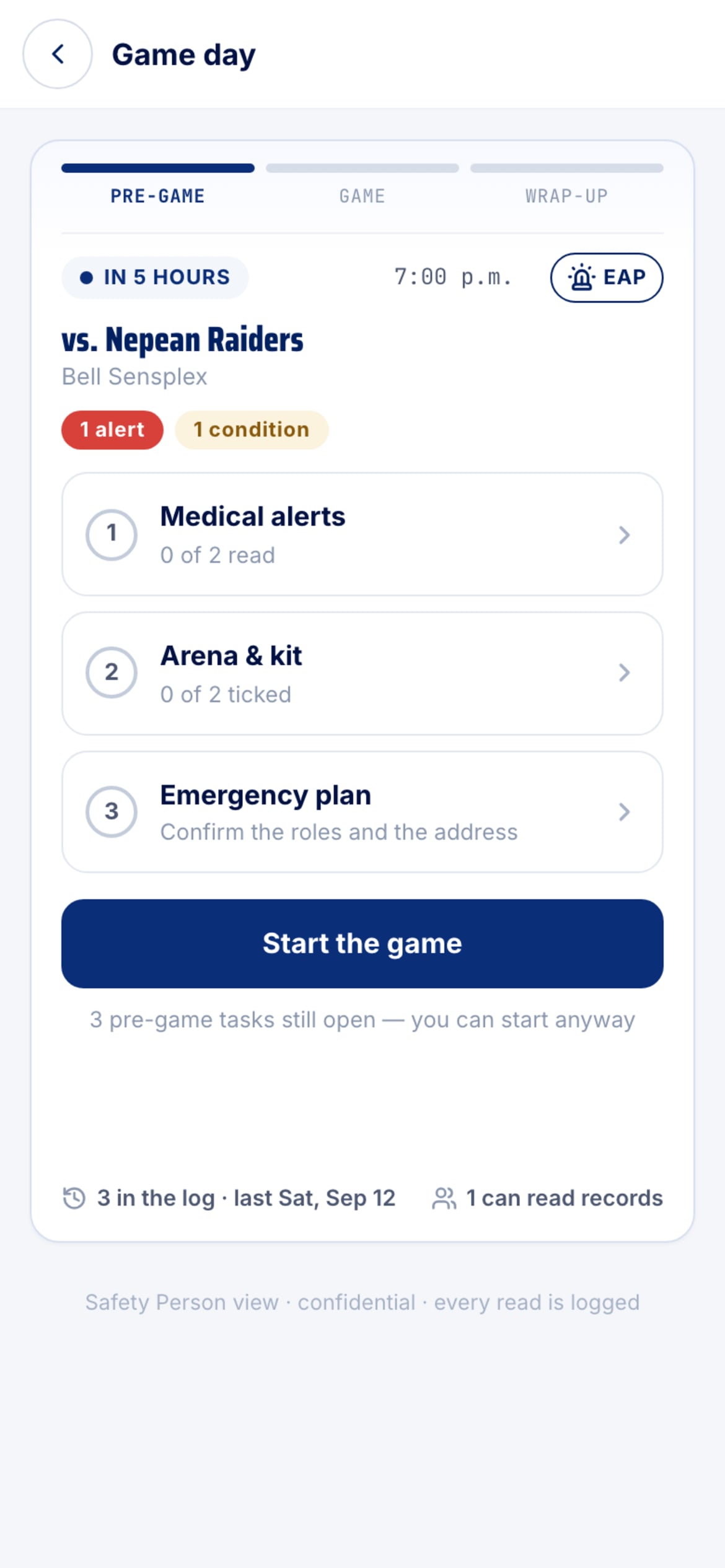
Only trainers see it on an event: Pre-game check, plan, injuries. That's Game Day.
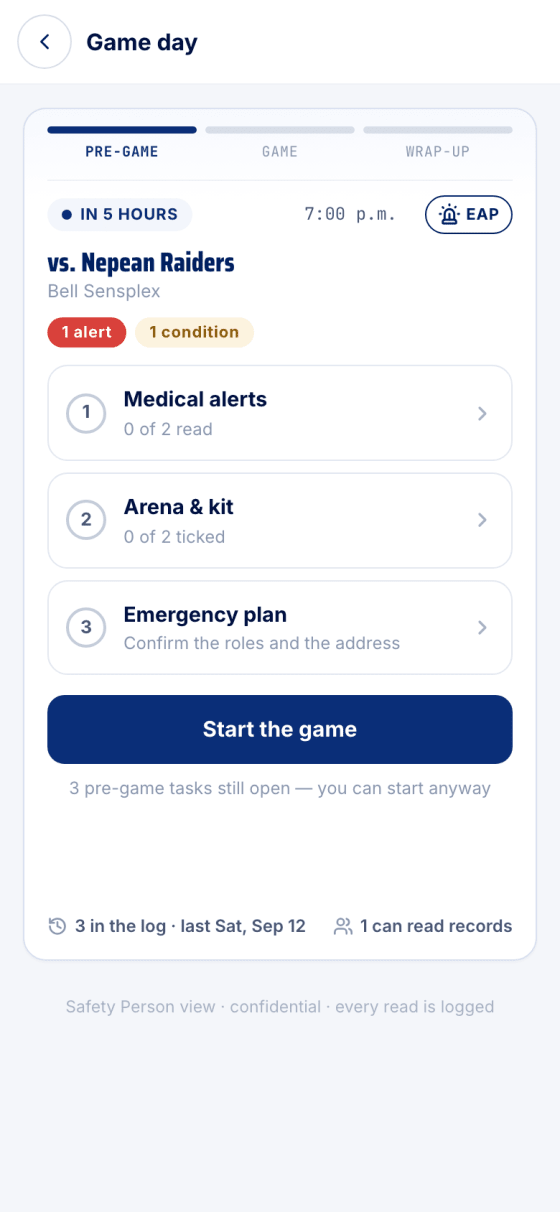
- Three pre-game tasks
Medical alerts, Arena & kit, and the Emergency plan. Any order, saved as you go. You can Start the game with tasks still open.
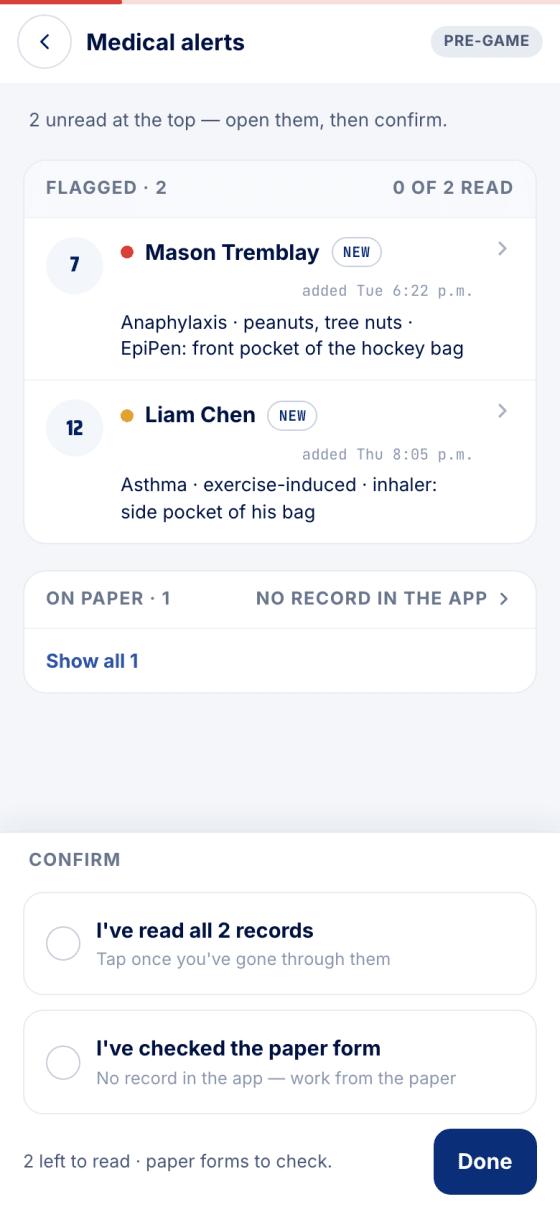
- Read the alerts
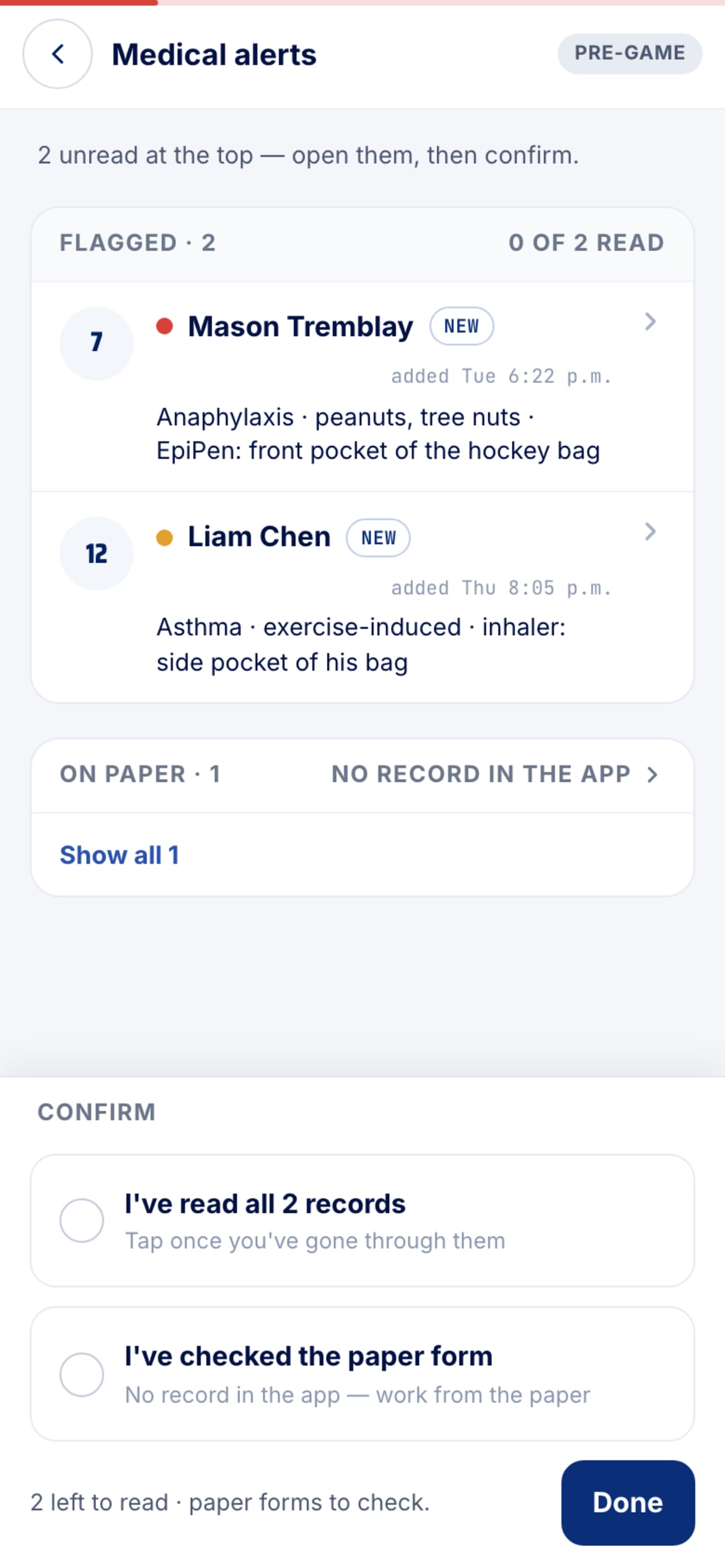
Unread records sit at the top. Open each one, tick I've read all records — and I've checked the paper form for any kid without a record in the app — then Done.
- The live bench
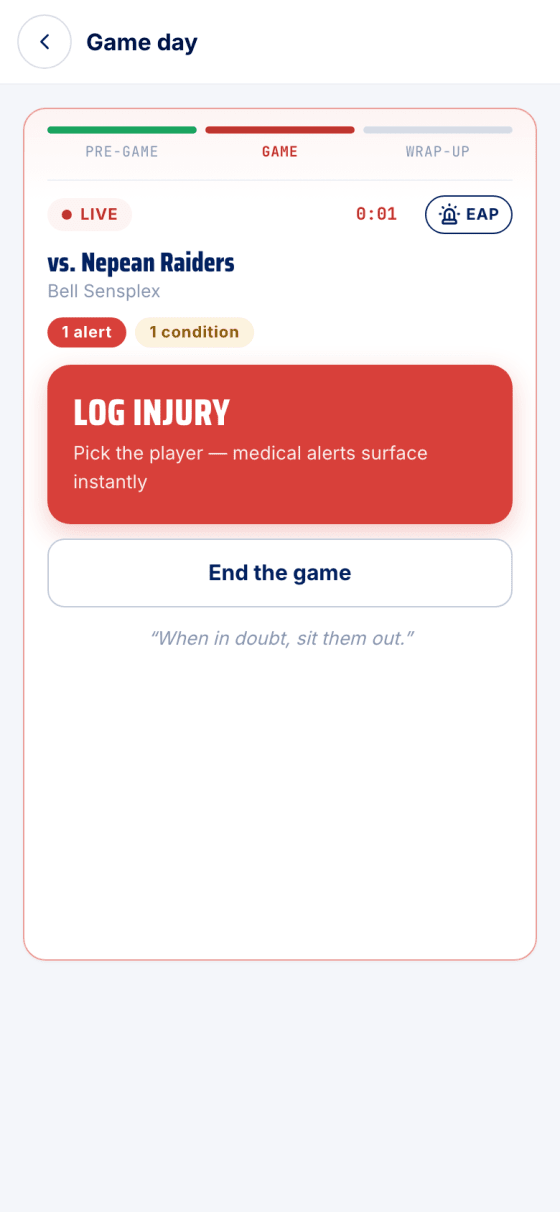
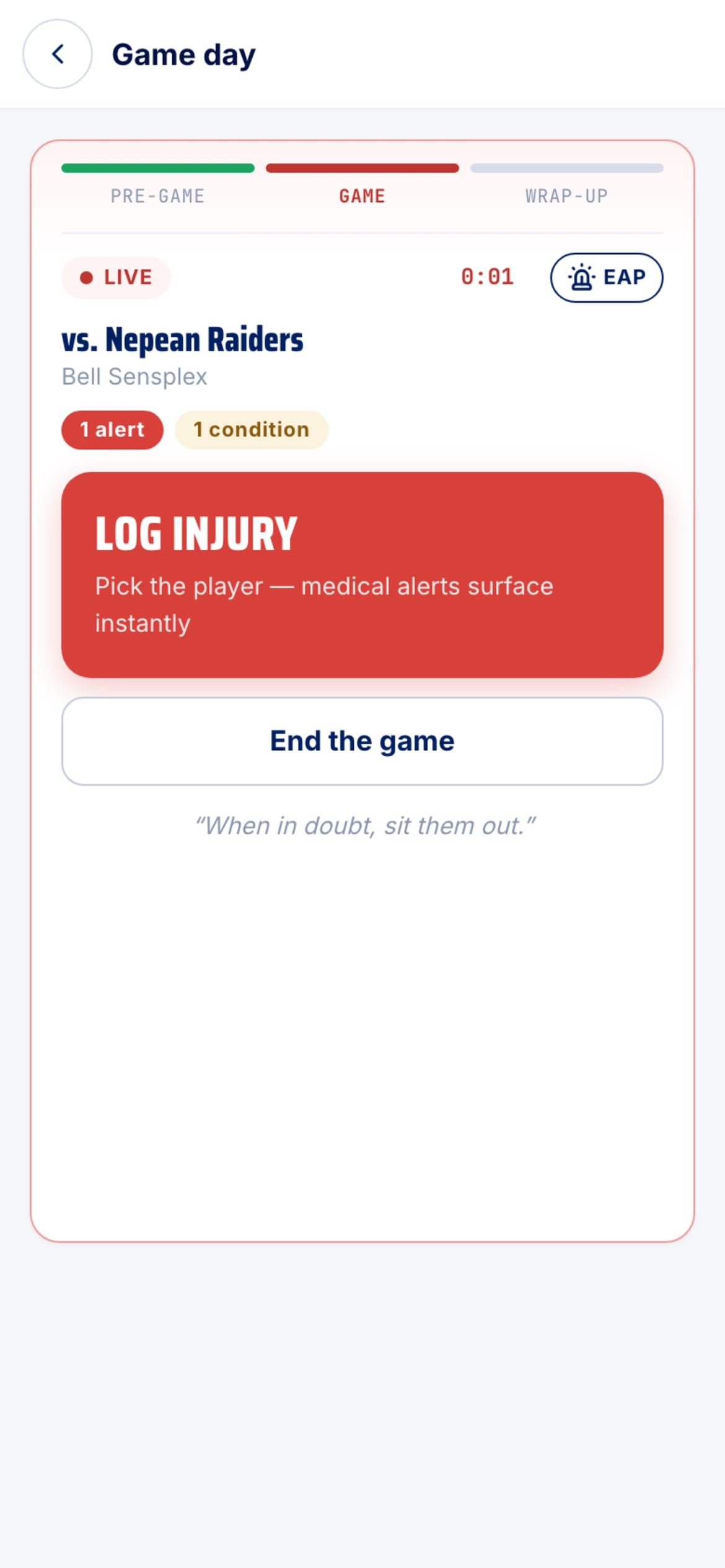
A running clock and one big button. Log injury asks for the player and surfaces their alerts instantly. End the game at the buzzer.
- Wrap-up
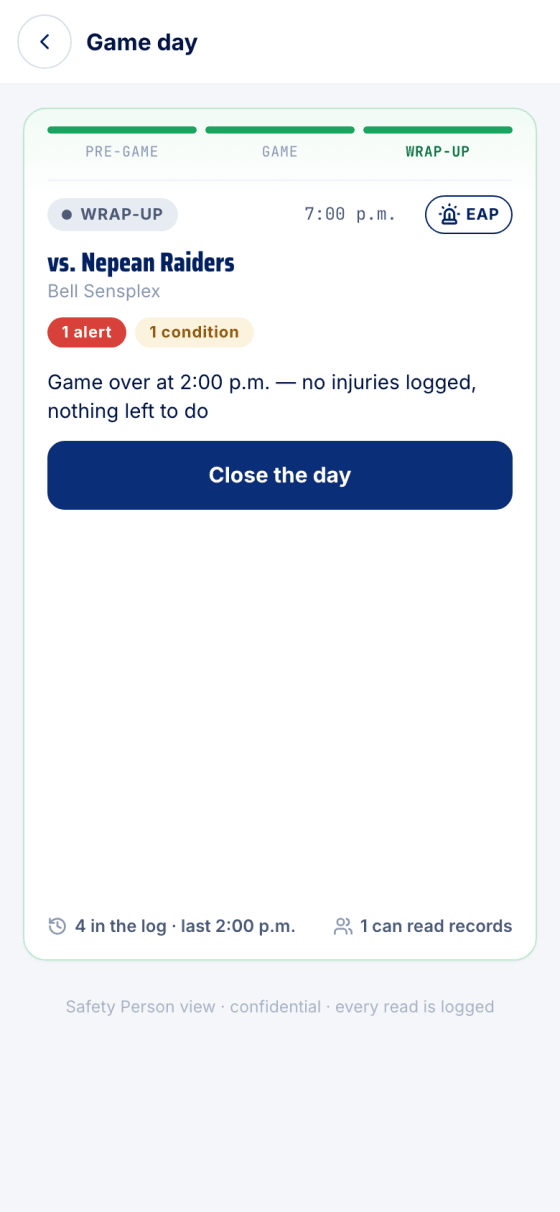
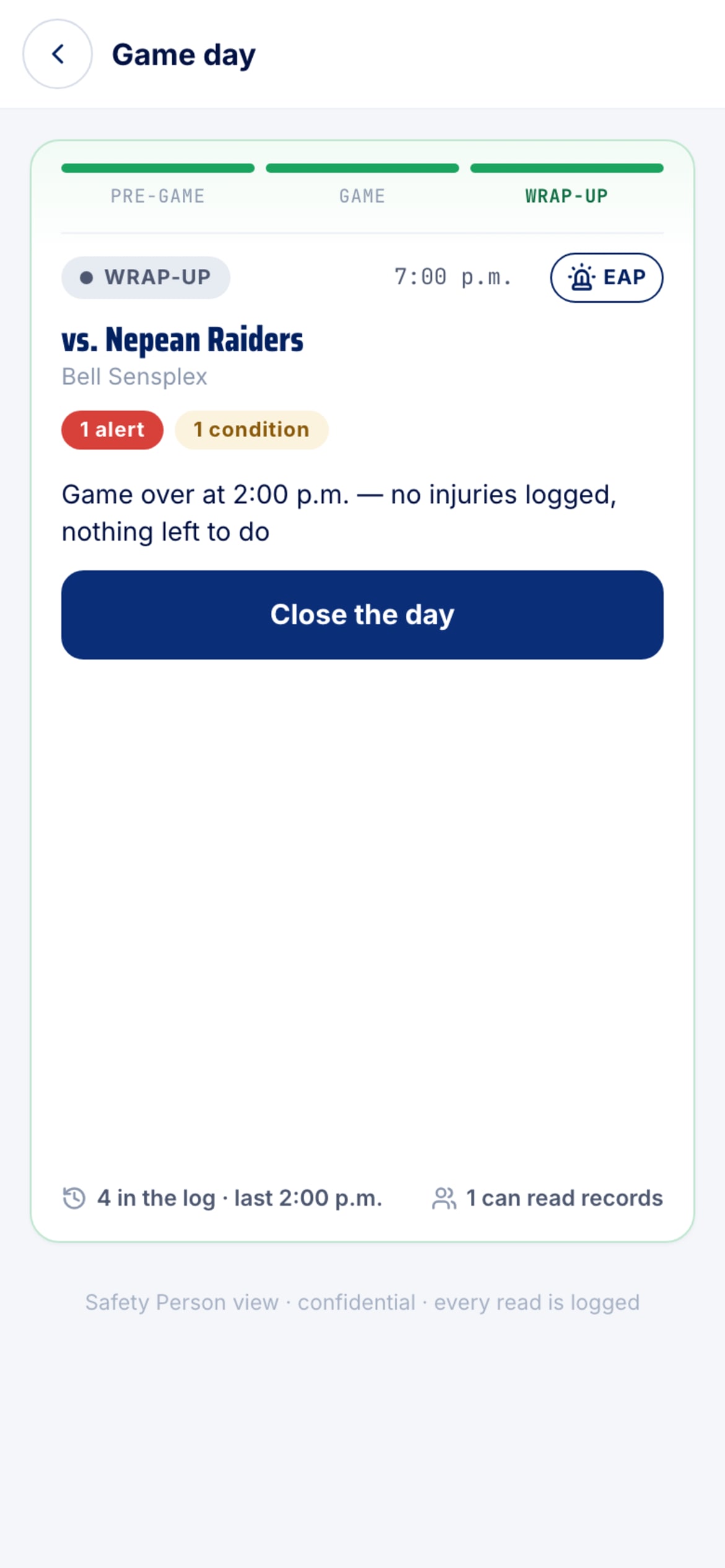
Anything you logged carries over with its report to file. Nothing logged? Close the day and you're done.
After the buzzer
Ending the game closes the bench and opens the wrap-up: any injury you logged carries over, with its report to file and, for a suspected concussion, the return-to-play protocol. Only a physician or nurse practitioner can clear a player after a suspected concussion — not you.
Stuck?
Email john@puckfinder.app — a real person, usually the same day.